Free Pixel Art Cross Stitch Charts from Video Games
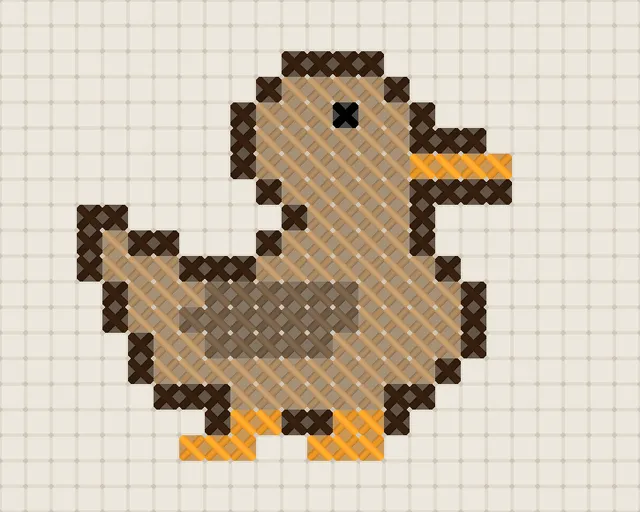
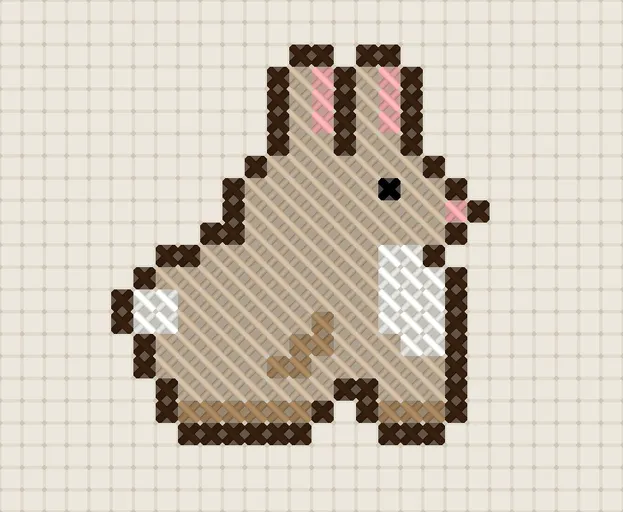
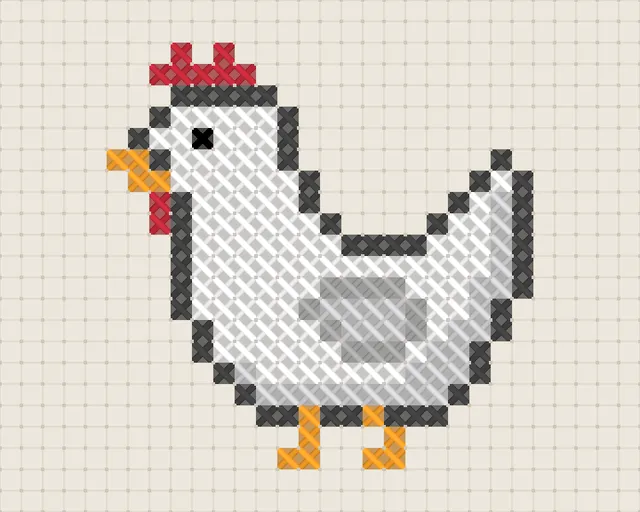
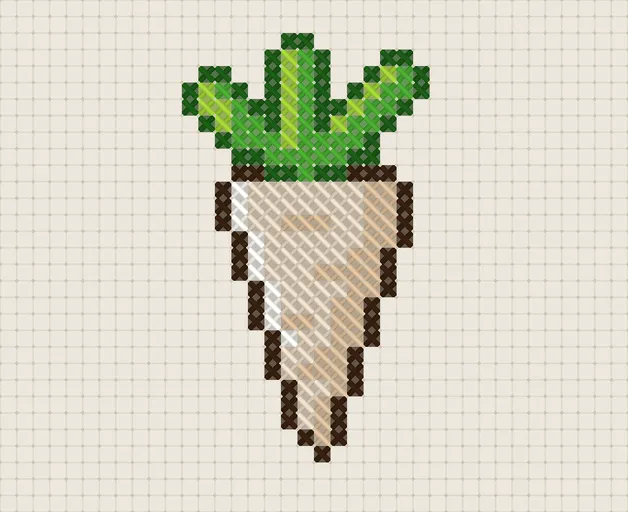
Download a free video game cross stitch pattern as a printable PDF: 18 charts, each with a DMC thread legend and a symbol chart. The collection starts with Stardew Valley: 18 patterns from easy farm animals to large scenes. Pick a game, or turn your own pixel art into a chart.
These are original fan designs drawn as pixel art. They are not sprites from any game and have no affiliation with the games’ creators.
Video game cross stitch patterns
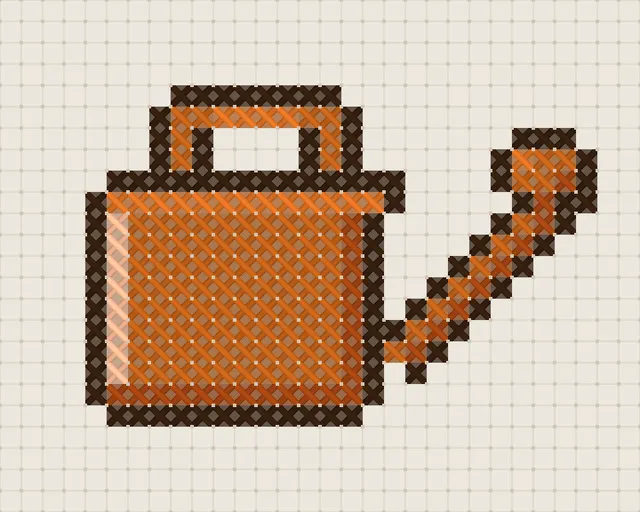
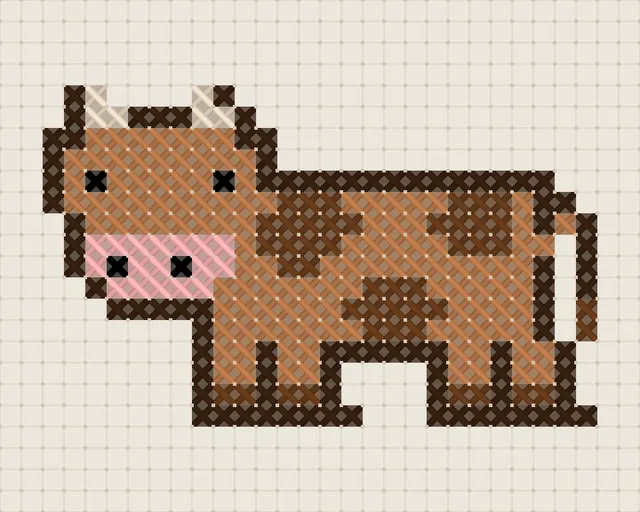
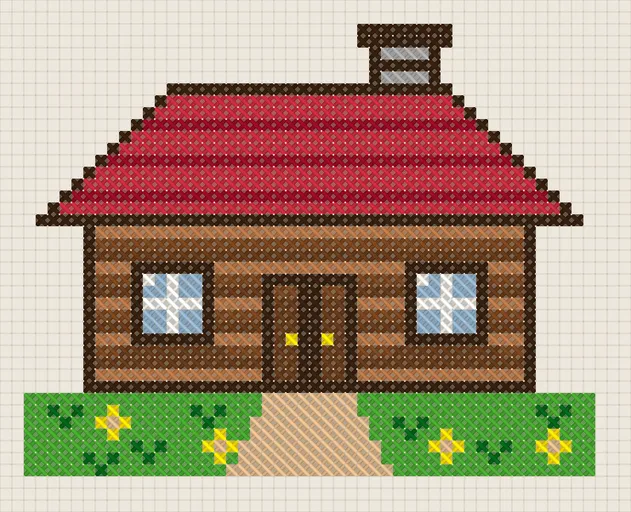
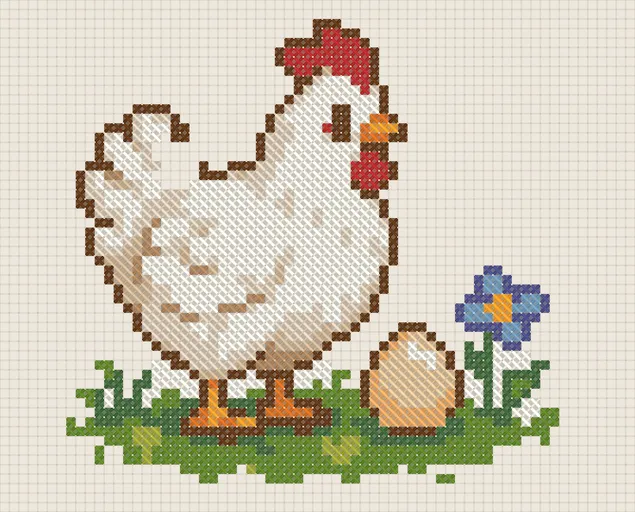
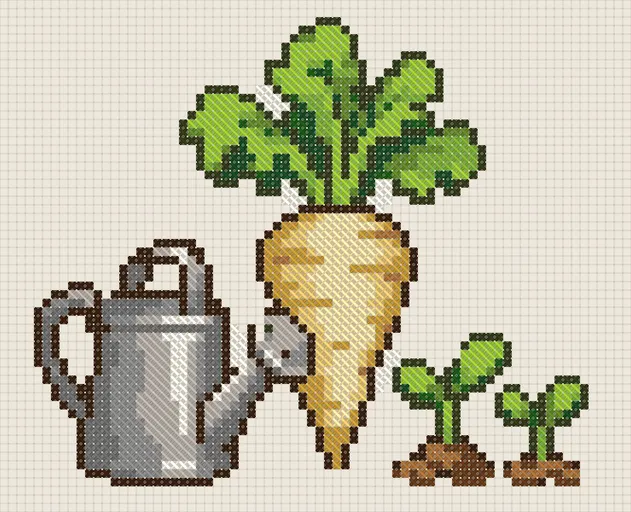
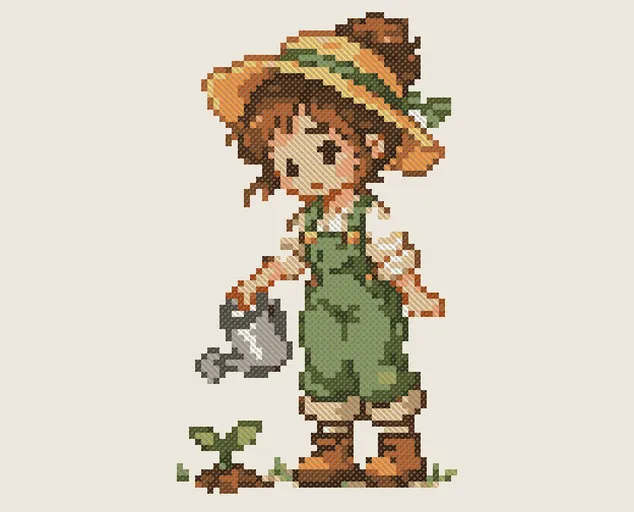
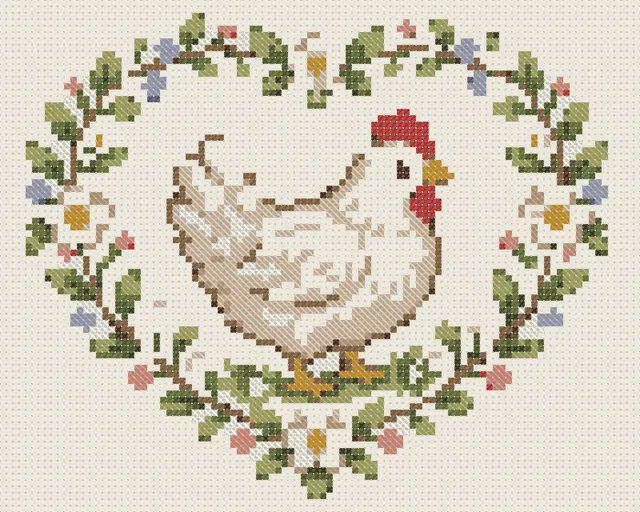
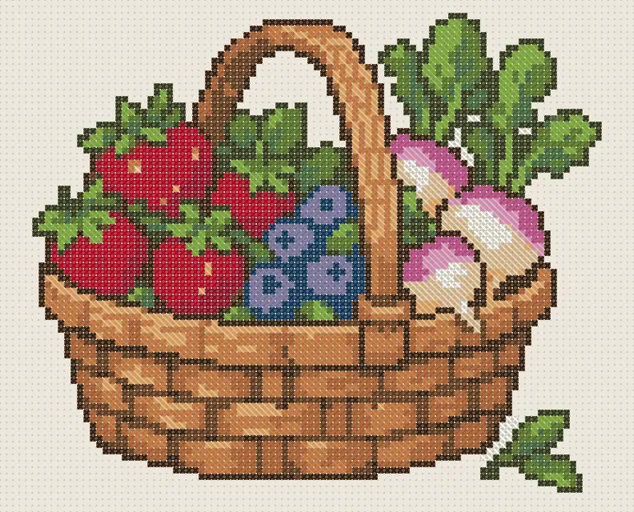
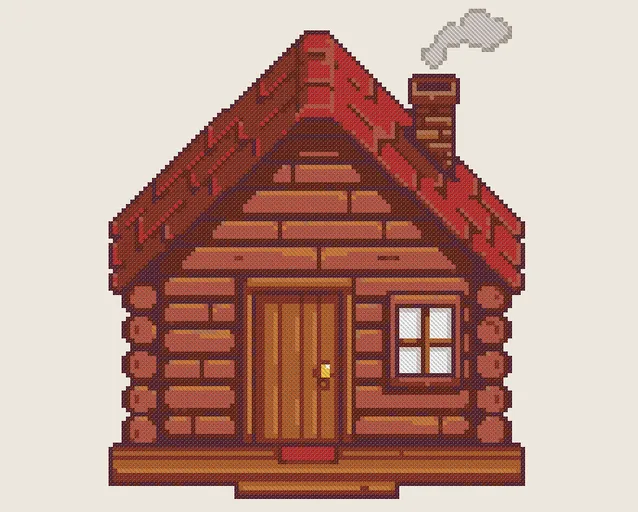
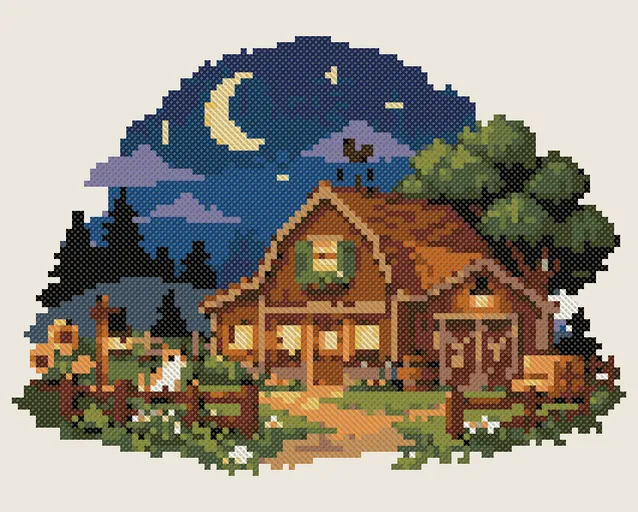
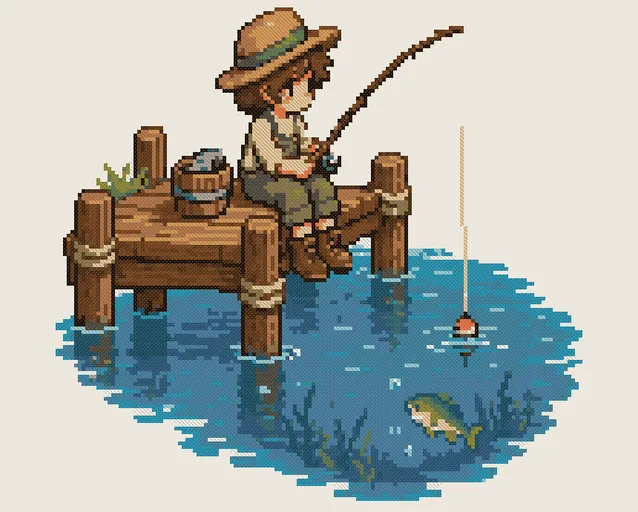
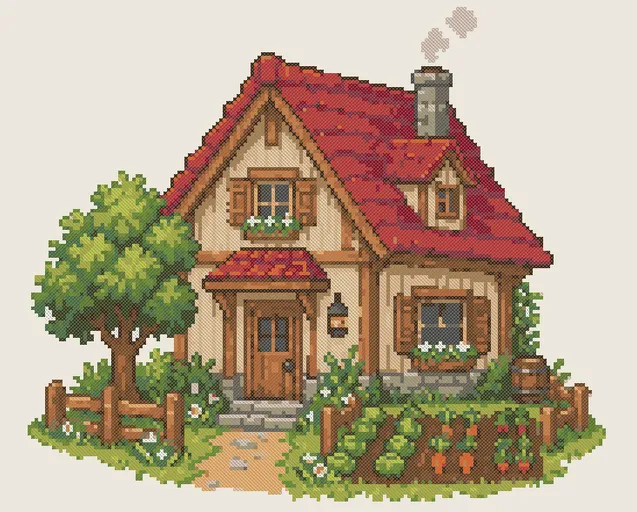
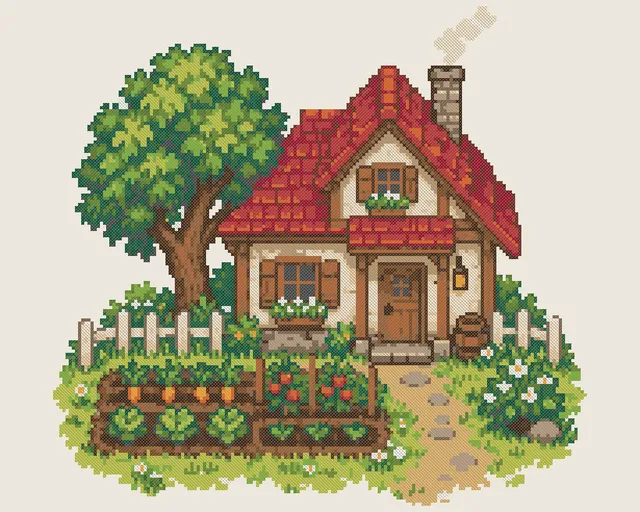 Advanced· Houses & buildings
Farm Cottage and Garden Cross Stitch Pattern
31.0 × 29.0 cm(14 ct)
No pattern matches these filters. Try another level or subject, or reset the filters.Can’t find it? Make your own from a photo
Didn’t find what you were looking for? Create your own.
Turn your drawing, or a screenshot from your own playthrough, into a cross stitch pattern: upload the image, set stitches and colors, and preview it for free.
Pet, family portrait, artwork or screenshot
Full symbol legend, floss colors & PDF
Upload any picture and see exact stitches in seconds. Zero account or credit card needed to test.
Every color mapped to DMC threads with skein length calculations and multi-page symbol legend.
Complete high-resolution symbol chart, section maps and key. Your first PDF is free with sign-up.
Why pixel art works so well as cross stitch
Pixel art is already a grid: one pixel of the artwork becomes one stitch, so the chart keeps the look of the original. Small sprites need few colors and a small piece of fabric.
In these PDFs, every square with a symbol is one stitch and the legend pairs it with a DMC thread. Blank squares are background and stay unstitched.
Which level should you start with?
Levels come from the real size of each chart, not a guess: the stitches and colors of the patterns on this page.
- Easy
- 6 patterns · 165–282 stitches · 5–7 DMC colors · up to 26 stitches wide.
- Start here for a first chart or a small, uncomplicated project; the chart takes a single A4 page.
- Medium
- 7 patterns · 1,322–8,215 stitches · 12–17 DMC colors · up to 96 stitches wide.
- More colors and detail; the chart takes 1–4 A4 pages.
- Advanced
- 5 patterns · 5,399–31,494 stitches · 21–25 DMC colors · up to 178 stitches wide.
- Full scenes and pictures: the chart takes 6–12 A4 pages, and a minimap on each page shows where you are.
How to turn video game art into a cross stitch pattern
- Pick art with flat colorsPixel art with few colors and clear outlines gives the cleanest charts. Avoid images with gradients or soft shadows.
- Upload it to the pattern makerSet the width in stitches close to the number of pixels across the artwork, choose how many colors you want, and preview it for free.
- Download the PDFYou get a cover with the finished size on Aida, a DMC thread legend and the symbol chart. Downloading costs 1 credit, and you get 1 free credit when you sign up with Google.
Frequently asked questions
Are these video game cross stitch patterns free?
Yes. All 18 PDFs in this collection download without a sign-up and without payment.
Which games have patterns?
Right now: Stardew Valley (18 patterns). Each game has its own page with level and subject filters.
Is this official game art?
No. They are original fan designs drawn as pixel art with generic motifs such as crops, animals and houses. They are not sprites from the games and are not affiliated with or endorsed by their creators.
Can I make a cross stitch pattern from my own pixel art?
Yes. Upload the image to the pattern maker, set the width in stitches and the number of colors, and preview it for free. Downloading the PDF costs 1 credit, and you get 1 free credit when you sign up with Google.
Which threads and fabric do I need?
DMC floss, the colors listed in each pattern’s legend, and Aida cloth. The cover of each PDF shows the finished size on Aida 14, 16 and 18; the charts work on any count, only the size changes.
Download a video game cross stitch pattern, or turn your own pixel art into a chart: the preview is free and you need no card to start.
Try for freeUpload a photo and see your pattern in seconds. No account needed to preview.