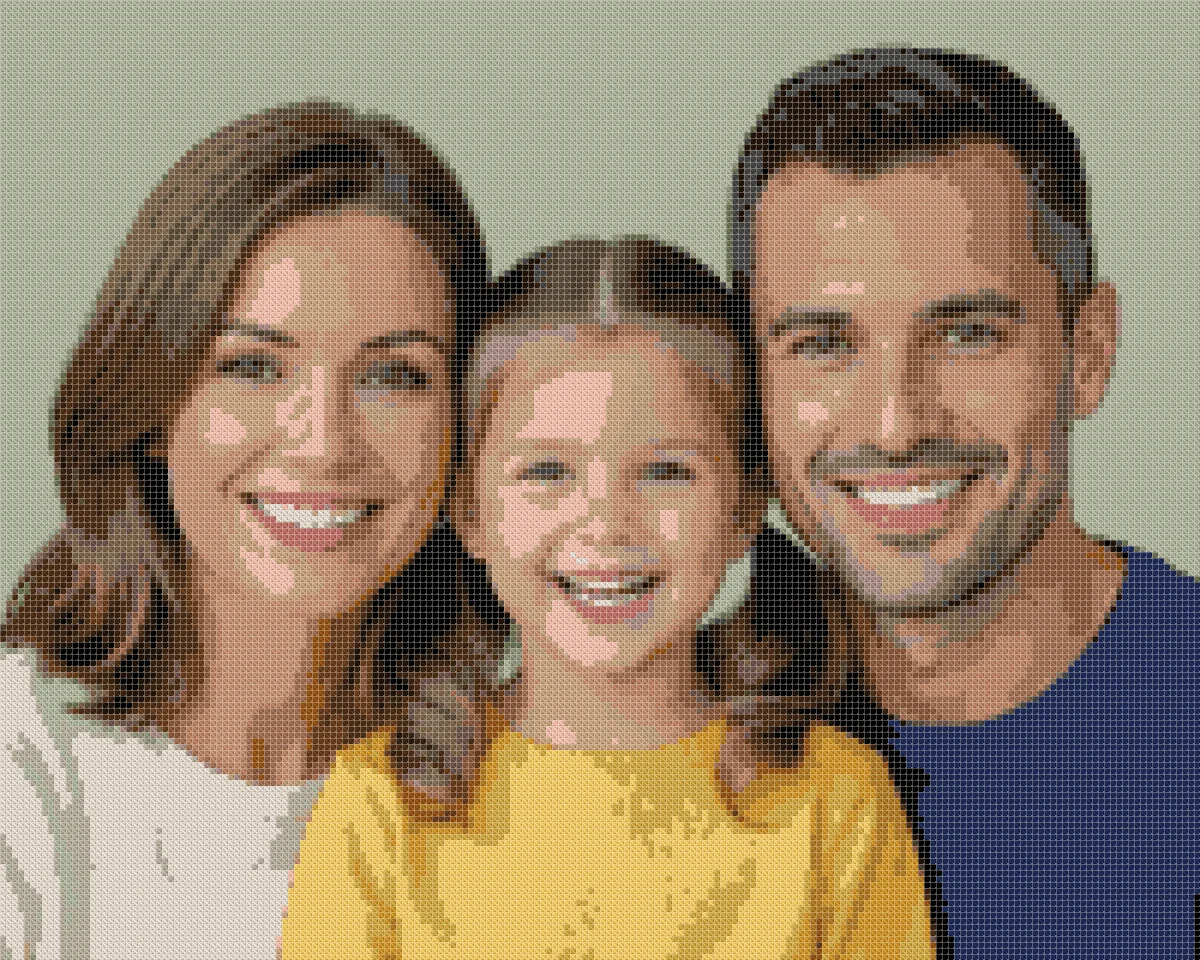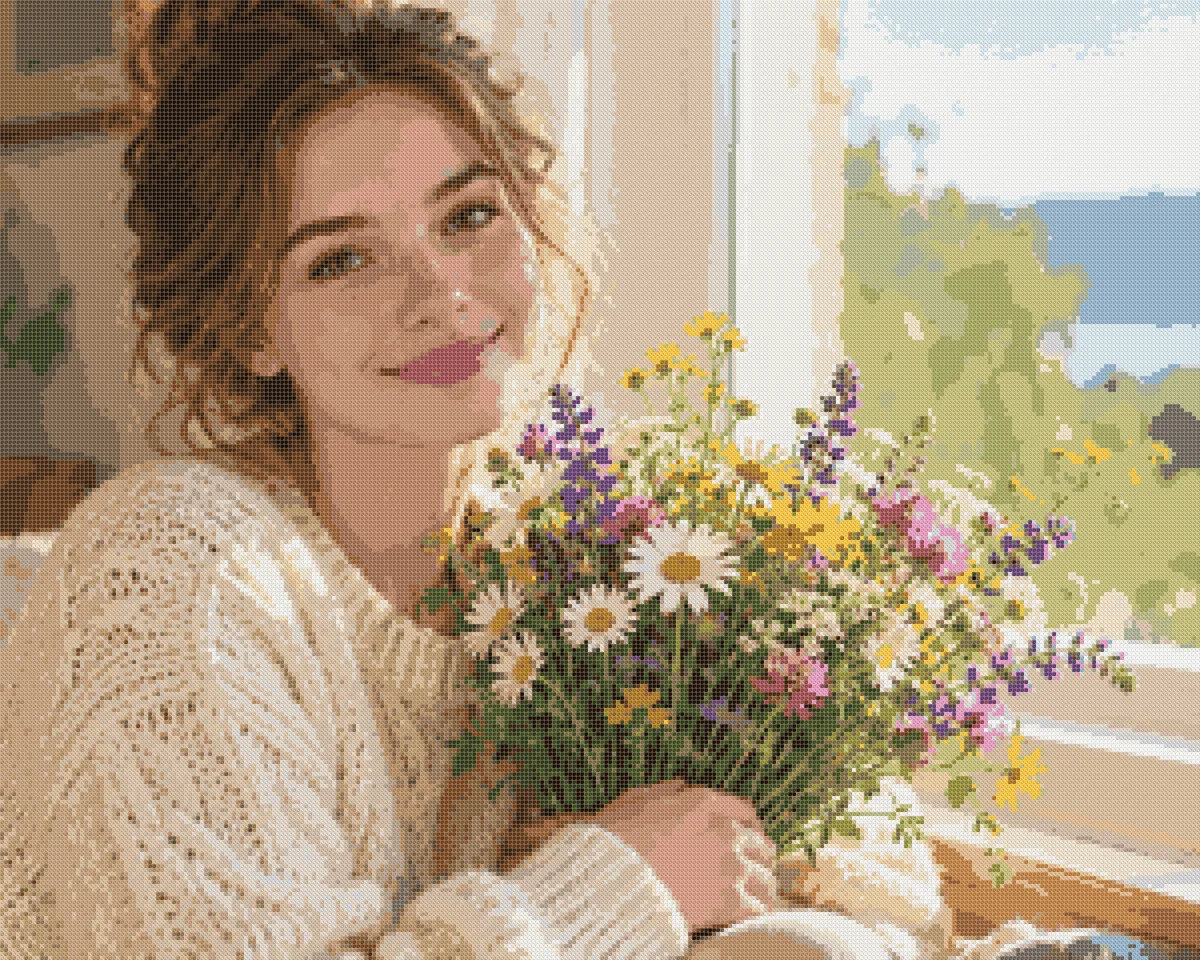
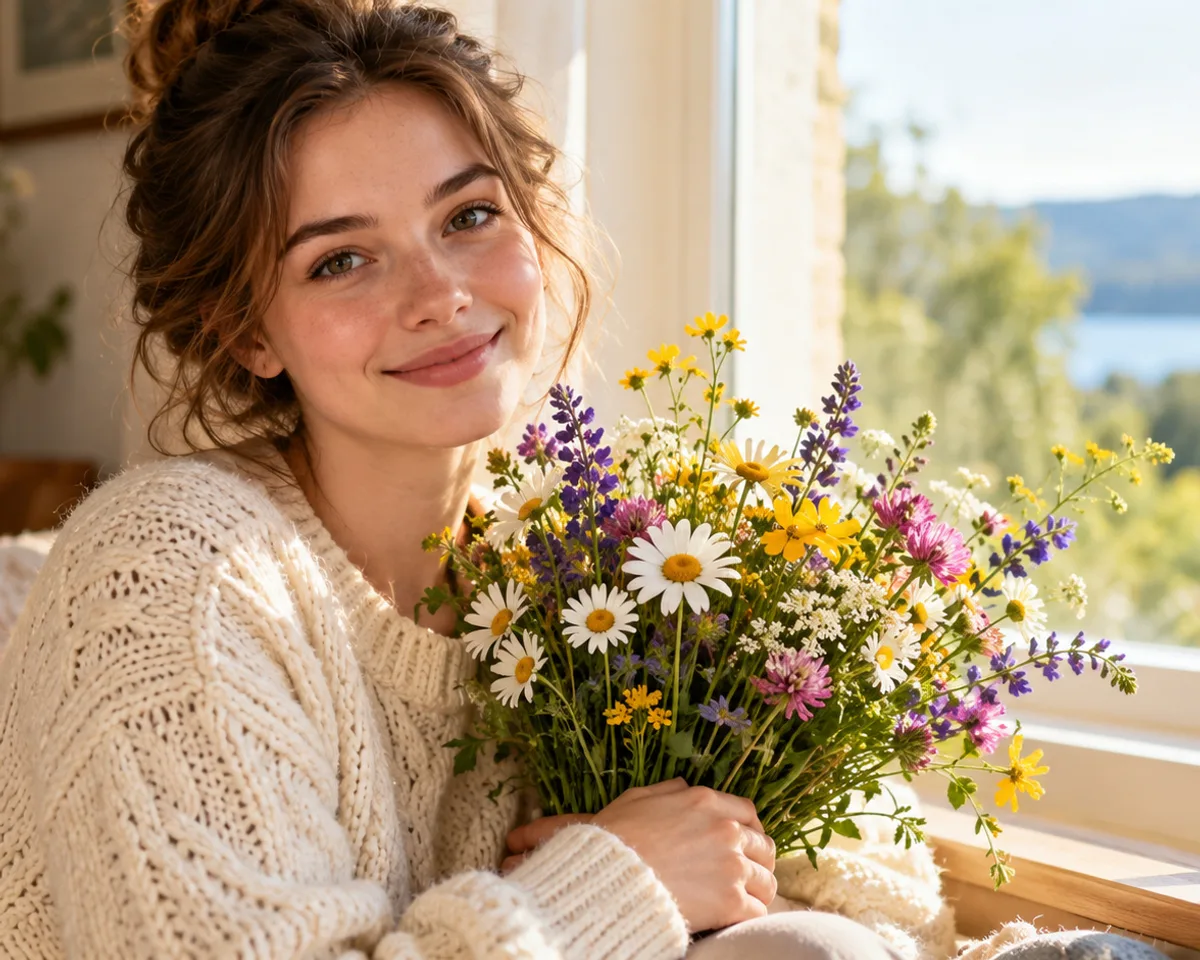
The Cross Stitch pattern maker turns a photo into a counted chart you can print at home: a symbol grid, a list of DMC threads and the finished size on 14-, 16- and 18-count Aida. You pick the photo, the width in stitches and how many colors to use, then check the result on screen before you download anything.
This page explains in plain words what a pattern maker does with your picture, how big the finished piece will be, and how an online tool compares with cross stitch software, phone apps and commissioned charts. We also list what our tool cannot do yet, so you know before you start.
What our cross stitch pattern maker does with your photo
It lays a grid over your photo and turns every square of that grid into one cross, with one DMC thread color and one symbol. Everything else on the chart (the thread list, the sizes, the page layout) follows from that grid.
From photo to stitch grid
The width you choose decides how many crosses run across the design. You can pick from 10 to 300 stitches wide, with quick buttons for 50, 80, 100, 150 and 200. The height follows the shape of your photo, so nothing gets stretched. A 4:3 photo at 100 stitches wide becomes a grid of 100 × 75, which is 7,500 crosses. The largest chart allowed is 90,000 squares.
Before the grid is made, you crop the photo. Cropping matters more than any other setting: a face that fills most of the frame keeps its features, while a face in the corner of a wide shot shrinks to a few dozen squares.
From thousands of colors to a short thread list
A phone photo holds thousands of slightly different shades, and no one wants to buy a skein for each of them. The pattern maker first groups similar shades together, then matches each group to the nearest of 489 DMC floss colors from the MakeBead craft-color-codes dataset (CC BY 4.0). It compares colors the way the human eye sees them (in the CIELAB color space, using the CIEDE2000 formula), not by raw screen values.
You choose the color limit, from 2 to 50, with quick buttons for 10, 20, 30, 40 and 50. When two groups land on the same DMC thread, they are merged, so the final list can be shorter than your limit. In our own test of 11 sample photos at 100 stitches wide and 30 colors, the average color difference per photo ranged from 1.8 to 6.8 on the CIEDE2000 scale. Very bright cyan blues were the hardest: the closest DMC thread was still about 8 away, because cotton floss cannot match a glowing screen. The full method is described on our photo to cross stitch pattern converter page.
Which photos make the best patterns?
Sharp, well-lit photos with one clear subject make the cleanest charts. Before you upload, check three things:
- the face or animal is in focus, and the eyes are sharp;
- the light is soft and even, without a harsh flash or deep shadows across the face;
- the background is plain, or you can crop most of it away.
Dark evening snapshots and busy backgrounds turn into scattered single crosses of many colors, which are slow to stitch. Our guides for portrait patterns and pet portraits show what to look for in photos of people and animals.
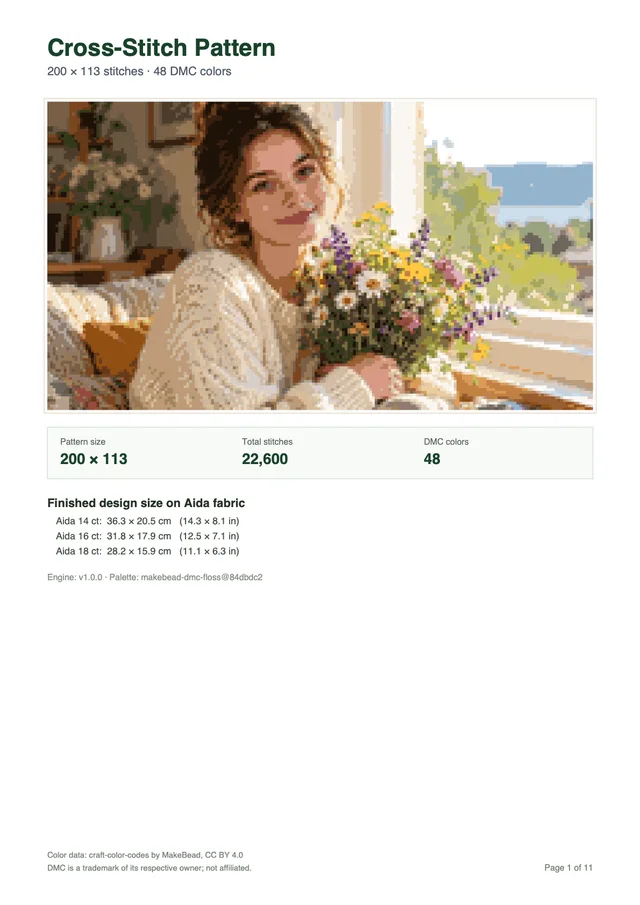
What you get in the printable PDF
Each PDF is built for Letter or A4 paper, whichever you choose. It contains:
- a cover page with the finished size on several fabric counts;
- a thread list with each DMC number, its symbol and its stitch count;
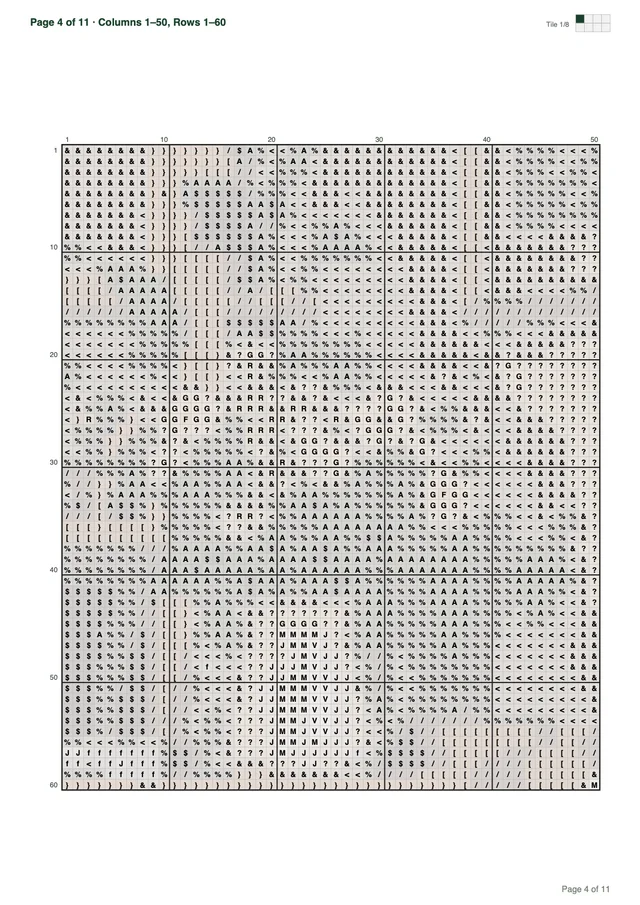
- chart pages with a bold line every 10 stitches, row and column numbers, and a small map showing which part of the design each page covers.
Our sample chart, a design of 200 × 113 stitches with 48 DMC colors, prints on 11 pages. Smaller designs need fewer pages. You can open that sample in the section above to see the pages before you make your own.
Settings at a glance
Every setting can be changed as often as you like before you download. The preview updates each time and lists the finished size for all three Aida counts, so there is no fabric to pick in advance.
| Setting | Your choices | What it changes |
|---|---|---|
| Crop | Any part of your photo | What appears in the design |
| Stitch width | 10–300 stitches (presets 50, 80, 100, 150, 200) | Detail and finished size |
| Thread colors | 2–50 (presets 10, 20, 30, 40, 50) | Smoothness of shading and length of the thread list |
| Paper | Letter or A4 | How the chart is split into pages |
| Preview | Artwork view or symbol chart, plus the thread list | How you inspect the result on screen |
How big will my finished piece be?
Divide the number of stitches by the fabric count. A design 100 stitches wide on Aida 14 measures 100 ÷ 14 = 7.1 inches (18.1 cm) across. A higher count packs more crosses into each inch, so the same chart comes out smaller.
| Width in stitches | Aida 14 | Aida 16 | Aida 18 |
|---|---|---|---|
| 50 | 3.6 in (9.1 cm) | 3.1 in (7.9 cm) | 2.8 in (7.1 cm) |
| 80 | 5.7 in (14.5 cm) | 5.0 in (12.7 cm) | 4.4 in (11.3 cm) |
| 100 | 7.1 in (18.1 cm) | 6.3 in (15.9 cm) | 5.6 in (14.1 cm) |
| 150 | 10.7 in (27.2 cm) | 9.4 in (23.8 cm) | 8.3 in (21.2 cm) |
| 200 | 14.3 in (36.3 cm) | 12.5 in (31.8 cm) | 11.1 in (28.2 cm) |
| 300 | 21.4 in (54.4 cm) | 18.8 in (47.6 cm) | 16.7 in (42.3 cm) |
Add 2 to 4 inches (5 to 10 cm) of plain fabric on every side for the hoop and for framing. If you already own a frame, measure its opening first and choose the width that fits it.
A first project that is easy on the eyes
Start with a chart that is easy to read: about 80 to 100 stitches wide, 20 to 30 colors, and Aida 14. Aida 14 has the largest squares of the three counts, so each cross is easier to see and to count. Fewer colors also mean fewer symbols to tell apart and fewer thread changes.
A few habits help when you start stitching from the printed chart:
- count in blocks of ten using the bold grid lines, instead of square by square;
- mark finished areas on a printed copy with a pencil or highlighter;
- keep the thread list next to you, since every symbol points to one DMC number;
- stitch in daylight or under a bright daylight lamp, especially with dark threads.
A design 100 stitches wide from a 4:3 photo has 7,500 crosses. That is a comfortable size for a first framed piece, and it measures 7.1 by 5.4 inches (18.1 by 13.6 cm) on Aida 14.
Online pattern maker, software, app or designer: which one fits you?
Choose an online pattern maker when you want a chart from a photo today without installing anything. Choose cross stitch software or a designer when you need lettering, backstitch or the freedom to change single stitches.
There are four common ways to get a chart from a picture. Each suits a different kind of project.
| Option | Install needed | Change single stitches | Lettering and backstitch | Best for |
|---|---|---|---|---|
| Our online pattern maker | No, runs in a browser | No | No | Portraits, pets and keepsake photos |
| Desktop cross stitch software | Yes, on a computer | Usually | Usually | People who draw and edit charts by hand |
| Phone and tablet apps | Yes, from an app store | Depends on the app | Depends on the app | Simple designs on a small screen |
| A commissioned designer | No | The designer does it | On request | Complex pieces with text or special stitches |
Desktop programs give the most control, but they take time to learn. A designer adds real artistry and can hand-tidy a chart, but you pay more and wait for the designer’s turnaround. Our custom cross stitch pattern guide compares doing it yourself with commissioning a chart in more detail.
What our pattern maker does not do
Our pattern maker makes full cross stitches from a photo, and nothing more yet. Here is what is missing:
- no lettering, names or dates on the chart;
- no backstitch outlines, fractional stitches or French knots;
- no editing of single squares after the chart is made;
- no automatic background removal, so crop the photo instead;
- no saved projects in the cloud, so keep your downloaded PDF safe.
If your project needs any of these, our chart can still be a starting point: print it and add a name or an outline by hand.
Pattern makers for each kind of photo
Every page below uses the same tool. Each one gives advice for a single kind of picture:
- Photo to pattern: any photo or picture, with the full color-matching method.
- Pet portraits: dogs and cats, fur, eyes and busy backgrounds.
- Portrait patterns: faces, couples, family photos and houses.
- Custom patterns: when our cross stitch pattern maker is all you need, and when a designer is the better choice.

The puppy above was made with this same pattern maker at 300 × 240 stitches with 38 DMC colors. If you would like to understand every step before you begin, read our guide on how to make a cross stitch pattern, from choosing a photo to buying your floss.